Your Name Ariyana
130 Point England Road
Point England
Auckland
1072
Their Name Miss Parrant
KPMG
18 Viaduct Harbour Avenue
Auckland CBD
Auckland
1010
Dear Miss Parrant, thank you for helping us at Motat. And being so helpful to me
and our group. We had lots and lots of fun with you at Motat. My two favourite
Things were the tram and coding. It was so much fun is because
You can code the robots to fight.
And i am grateful for her help and kindness to my group and i really appreciated
What she has done to help us at Motat. Thank you Miss parrant
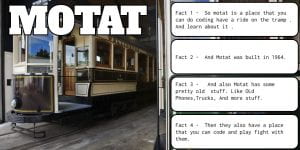 So this is my 4 facts about Motat. One day room 9 and 10 went to Motat we done coding playing and having so much fun.
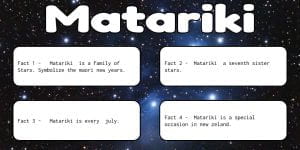 This is my 4 facts about matariki. So hope you enjoy.